GraphRAG Chat Window
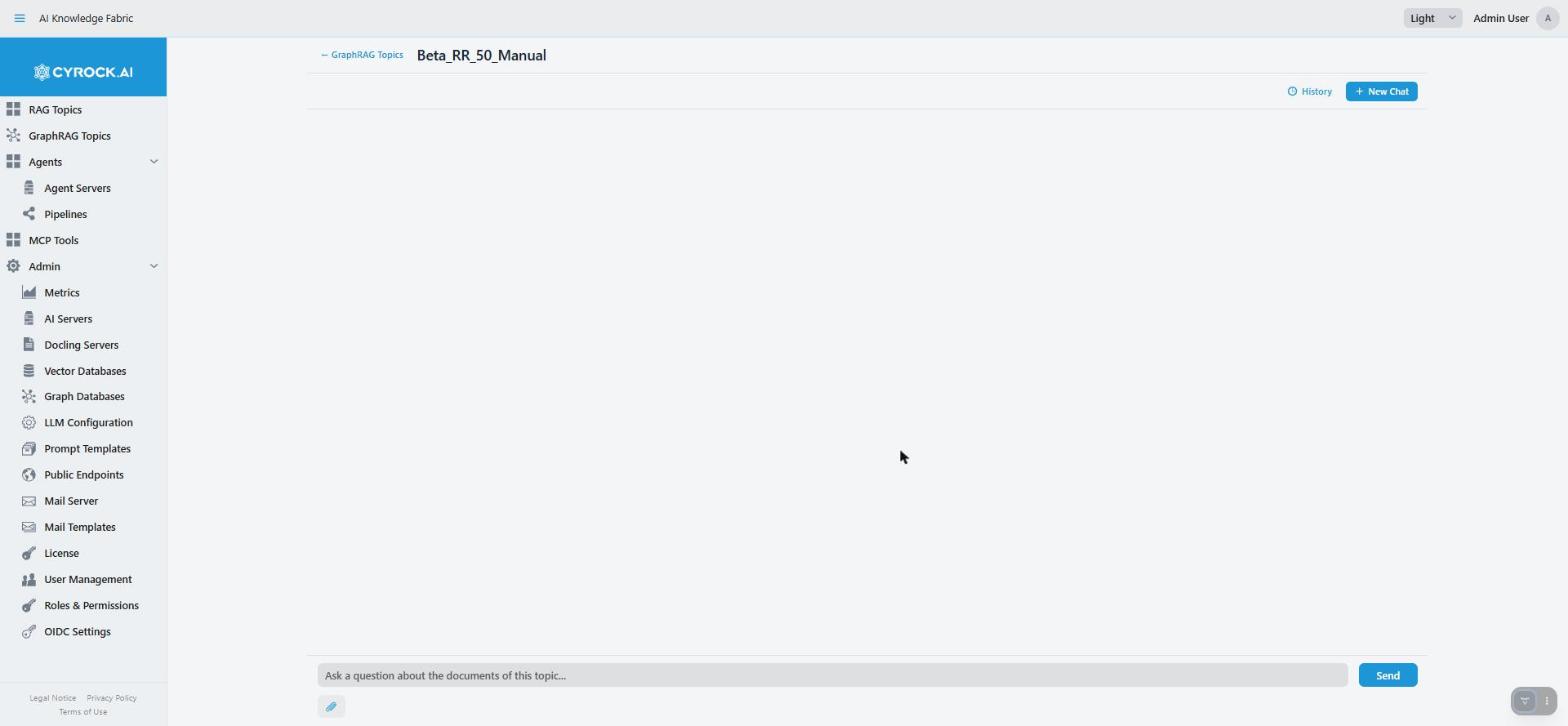
The chat window is where you talk to a GraphRAG Topic. Open it by clicking the Topic’s name in the
GraphRAG Topics list. The name is a link only while the Topic is RUNNING.
You need the GRAPHRAG_CHAT permission and access to that Topic through your role.
|
This page covers what is different from a RAG Topic’s chat. Layout, sending, history and attachments work in the same way. See RAG Topics — Chat Window for those parts. Read How a prompt is answered first if you have not yet. It explains why answers can differ in kind. |
1. What is different here
The Topic decides how to answer, and the window does not say how
A GraphRAG Topic does not answer in one fixed way. For every message, the router picks one of six ways: LOCAL, GLOBAL, HYBRID, PATH, DIRECT or ATTACHMENT (see Retrieval strategies). The chat window does not show which one was used. You can still read it from the answer:
| What you see | What it usually means |
|---|---|
Specific facts, with a Sources: row |
LOCAL, PATH or HYBRID |
A broad overview with no document sources |
GLOBAL. It is built from summaries, so there is nothing to cite |
A short reply with no sources to a "thanks" or "shorter, please" |
DIRECT. The Topic answered from the conversation without searching |
An answer that refers only to the file you attached |
ATTACHMENT |
If an answer feels too narrow or too vague, this is the first thing to check. To see the real choice, ask an administrator to look at the Topic’s Logs or DEV Reports tab.
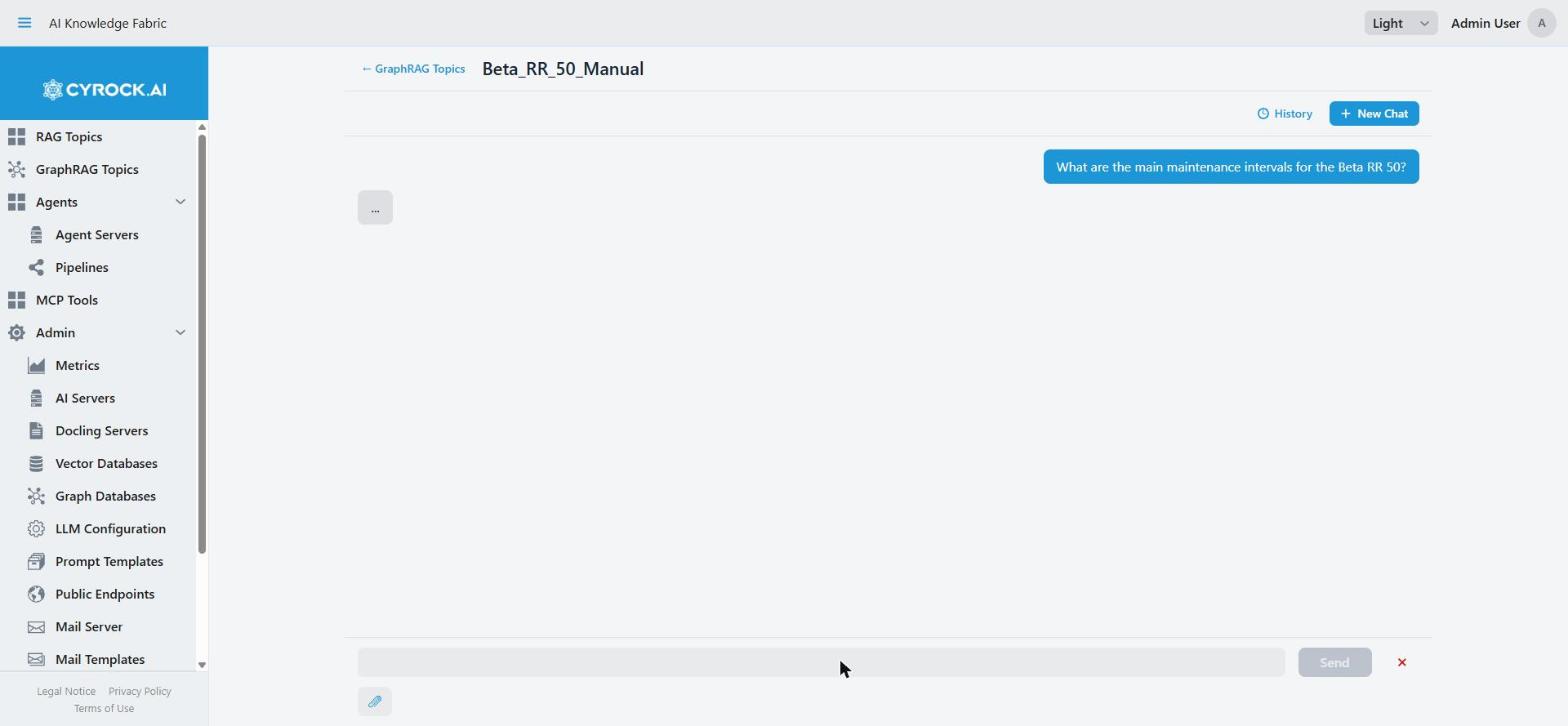
While you wait, a "…" appears. The Topic first decides how to answer and searches. Then the answer text starts to appear word by word. Sources are collected before the text starts and are shown when the answer is finished.
Sources
An answer that used your documents shows Sources: below it, with one badge per source.
-
An uploaded document is a link. Click it to download the file. The link goes through this app, so it works even when you cannot reach the Topic’s container directly.
-
The link works for about 10 minutes after the answer appeared. Then the badge turns grey, and a click tells you to ask the question again. The links are saved with the answer. After a reload (F5), a link still works for the rest of its 10 minutes. Your documents are not lost. Only the short link expires. See download links expire.
-
name (graph ingestion)is a plain badge that never opens a download. This source was added to the Topic’s graph directly from a database, not uploaded as a file. There is nothing to download, and asking again does not change that. See Graph-sync source. -
GLOBAL answers list no documents. This is expected. They come from community summaries.
Pictures in answers
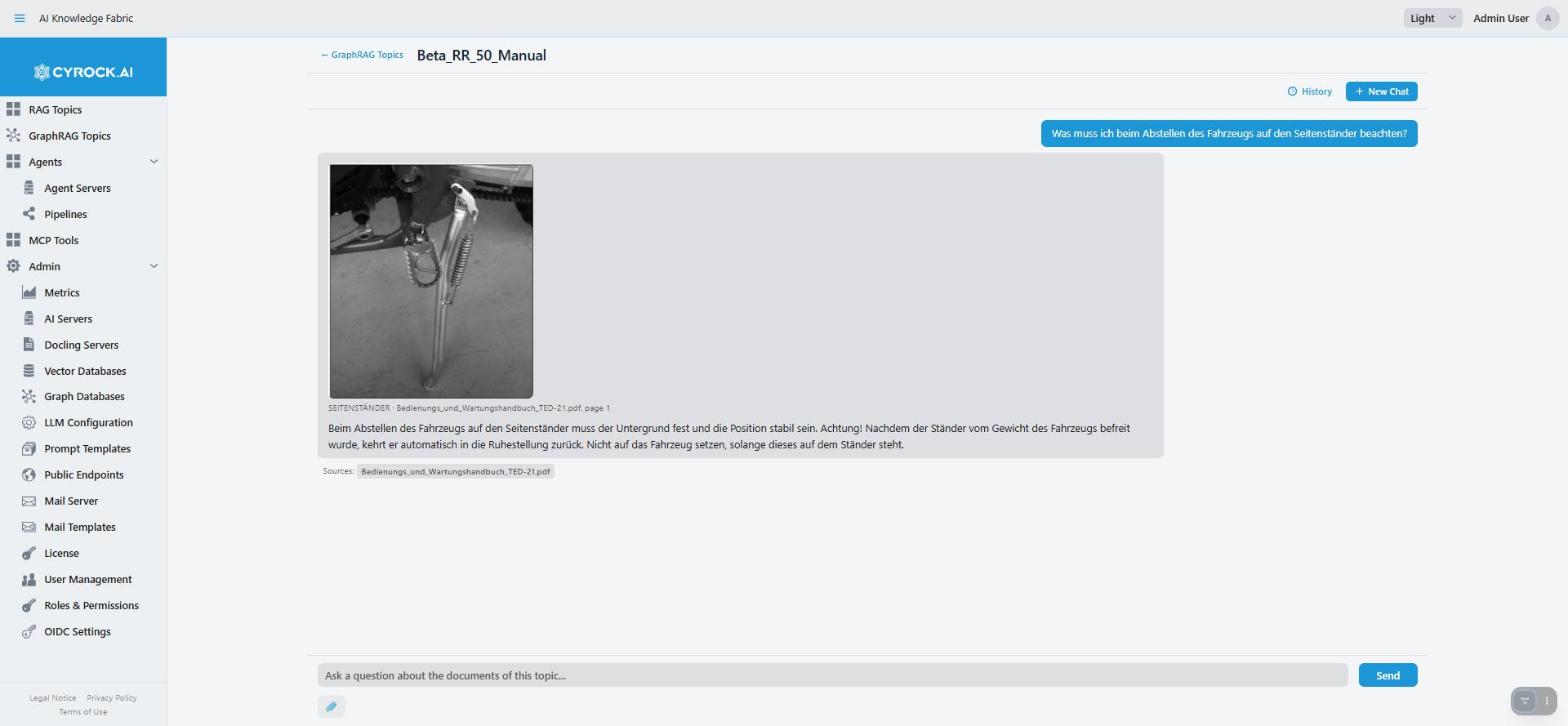
If the Topic keeps pictures from your documents and shows them (the picture mode Picture in the graph, with pictures stored and shown), an answer can contain pictures. Each picture appears where the answer refers to it, with its caption, document and page as far as they are known. Click a picture to open it in a new tab. This works as in a RAG Topic. See Pictures in answers.
-
While the answer is still being written, a grey "Image…" box holds the place.
-
Pictures load through this app and do not expire. They still show in old conversations.
-
A picture that cannot be loaded any more shows its caption instead.
-
GLOBAL and HYBRID answers can show pictures too, even though GLOBAL lists no document sources.
Sources from other Topics
A Topic can use other Topics as tools (see Configuration and functions). When an answer used another Topic, its sources can appear in the Sources: row too. Such a badge downloads through that other Topic. It has that Topic’s link lifetime, and you need access to that Topic as well. If that Topic was deleted, the badge shows the name only, with no download.
When another Topic refused you
If the answer tried to use a connected Topic that you may not use, that Topic is left out. The answer still arrives. A Note: below the answer says which Topic was left out and why. The note is saved with the answer.
Stop really stops the work here
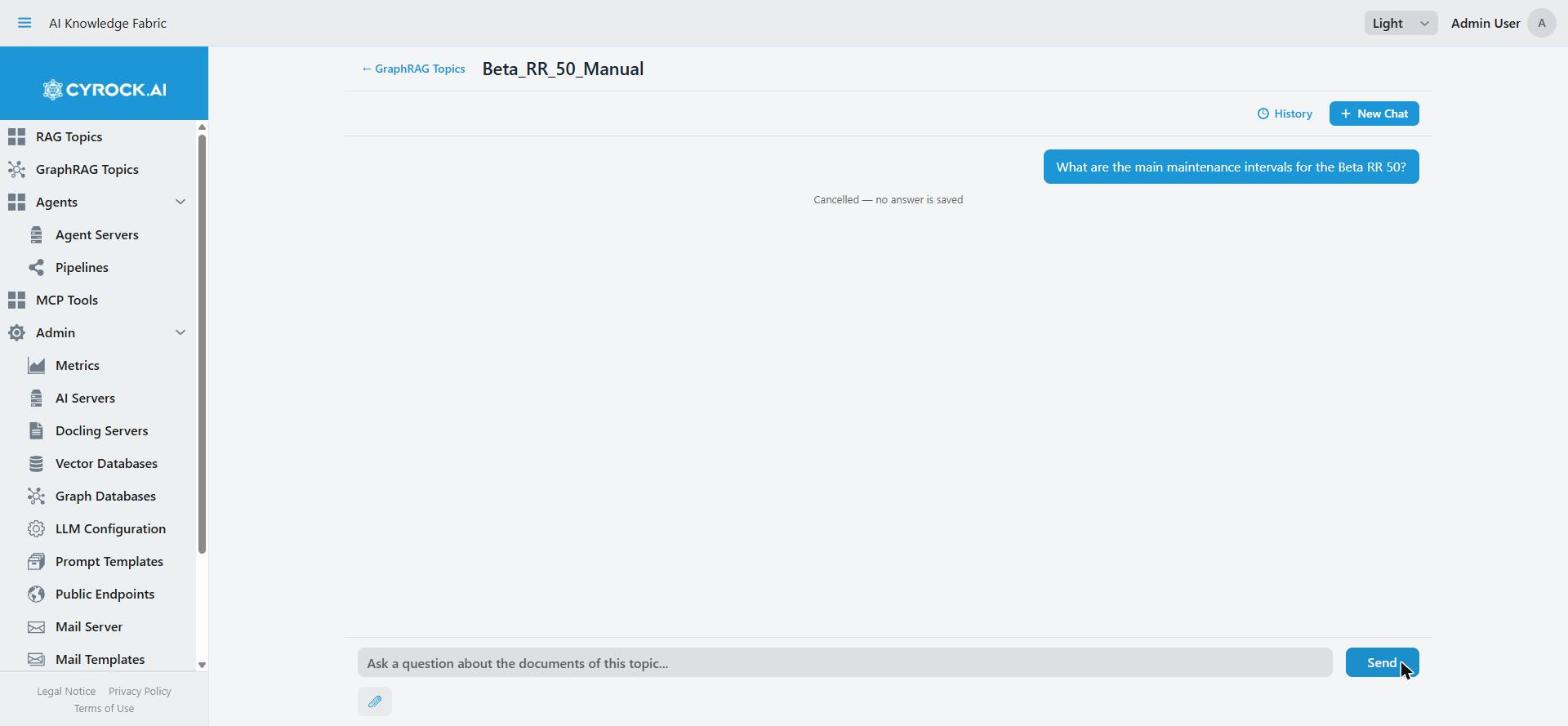
Click the ✕ button next to Send, or press Esc. The tooltip says: "Stop this answer (Esc). It is not shown or saved."
On a RAG Topic, Stop only ends the answer in your window. The Topic keeps working. On a GraphRAG Topic, Stop really cancels the work on the Topic, so no more model calls are spent on that answer.
-
The text you already received stays on screen with the note "Cancelled — no answer is saved".
-
A stopped answer is not saved. When you open the chat again, the partial text is gone. Your question stays.
-
The cancel takes a moment to reach the Topic, so the Topic can finish its current step first.
You can leave the chat page while an answer is on its way. The answer keeps running and is saved when it is finished. Open the chat again to read it.
2. What works as on a RAG Topic
| Topic | See |
|---|---|
Layout, sending a question, Enter and Send |
|
Conversations: New Chat, History, the trash icon that deletes a conversation (without confirmation) |
|
Pasting long text (it becomes a chip above the input field) |
|
Deleting a conversation cannot be undone. The trash icon in History deletes the conversation at once, without a confirmation step. |
Your conversations are saved per user and per Topic. There are no tabs. Open an older conversation from History.
3. Attachments
The paperclip below the input field attaches files to one question. You can also drag files onto the input field. Attachments are used for that answer only. They are never added to the Topic’s knowledge. To add a document for good, upload it on the Data Upload tab.
Which files you can attach is set for each Topic under Chat Attachments:
| Type | Needs |
|---|---|
Text files — txt, md, json, yaml, csv, source code |
Nothing. This is the standard |
Documents — PDF, DOCX, XLSX, PPTX |
A Docling server for the Topic |
Images — JPG, PNG, GIF, WEBP, BMP, TIFF |
A Language Model that can see pictures |
-
The file picker and the drop only accept the allowed types. If no type is allowed, there is no paperclip.
-
A file can be at most as large as the Topic’s Largest Chat Attachment setting (10 MB unless someone changed it). A larger file is not attached, and you see: "… is too large. Files up to … can be attached here." The Topic checks the same limit again, also for programs that use its API.
-
An attached image goes straight to the Topic’s Language Model, never to the Image Describer Model. The app does not check that the model can see pictures.
-
If the Topic cannot read a file, you see its message as a notification, for example for an image when the Language Model cannot see pictures, or a PDF when there is no Docling server. Nothing is saved as an answer then. Change the Topic’s settings and ask again.
-
When the attached file alone answers the question, the router can use ATTACHMENT and skip the search.
4. Errors and retrying
-
The Topic or something it needs is not reachable (a model server, the graph database, the vector database, Docling, or the connection broke off). The answer is replaced by a yellow box with the message and ↻ Retry this message. Your question and attachments are kept. Fix the cause, or wait while a container restarts, and click retry. This box is not saved.
-
The Topic cannot read an attachment. You see a notification. See 3. Attachments.
-
Any other error appears as an answer starting with "Error:". There is no retry button. Ask again.
5. Getting better answers
| Symptom | What to do |
|---|---|
Answer feels too narrow and misses the big picture |
It was probably answered by LOCAL. Ask more broadly ("What are the main…", "Summarise…"). An administrator can raise the Router Confidence Threshold so more unsure questions go to HYBRID |
Answer is vague and has no sources |
It was probably GLOBAL. This is correct, not a fault. For specifics, name the thing directly |
Answer cites a document that was updated or removed |
The communities have not been rebuilt since. See Configuration and functions for how to rebuild them |
Answer misses an entity you know is in the graph |
An administrator can raise Top-K Nodes or Hop Depth on the Retrieval step. Also check that the extraction found that entity |
Answer cites more files than is useful |
An administrator can lower Max Cited Chunks (not Top-K Nodes). See Retrieval strategies |
A question that needed a search was answered from the conversation only |
An administrator can raise the DIRECT Confidence Threshold or switch DIRECT off |
HYBRID answers are slow |
This is expected. HYBRID runs LOCAL and GLOBAL and may ask follow-up questions. Lower Max Follow-up Rounds or Max Follow-up Questions if the time is not worth it |
Troubleshooting
| Symptom | Cause and fix |
|---|---|
Topic name is not a link in the list |
The Topic is not |
"This topic does not exist (any more)…" |
The chat was opened without a valid Topic. Open it from the Topic list |
"You do not have access to this topic." or no chat access at all |
Your role lacks access to this Topic, or you lack |
Every question gets the no-answer text |
Nothing is uploaded yet, or nothing scores above the minimum similarity |
A GLOBAL answer has no sources |
Expected. See Sources |
A badge reads "(graph ingestion)" and does not open |
This source has no file. See Sources |
A source badge is grey |
The link is older than about 10 minutes. Ask the question again |
No paperclip |
No attachment type is allowed for this Topic |
An answer disappeared after a reload |
It was stopped with ✕ or Esc. Stopped answers are not saved |
Stop leaves the reply hanging for a moment |
Normal. The Topic is finishing its current step |
The reply never arrives |
Check the Topic’s Logs tab. A common cause is an unreachable graph database, vector database or model server |